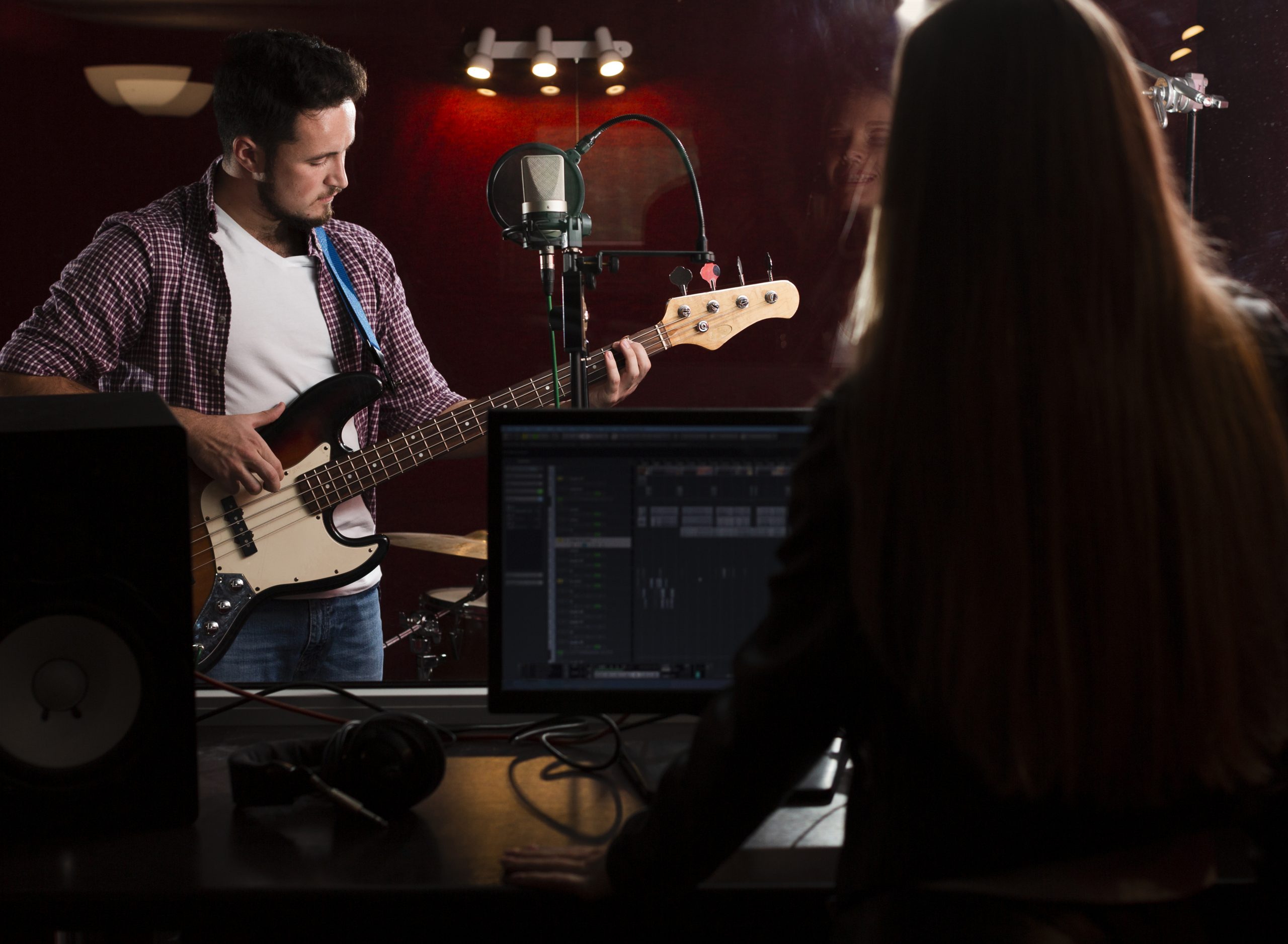



Whether you’re layering synths at 2 AM or fine-tuning a podcast in your bedroom studio, the right laptop can make or break your music production workflow. In 2026, producers—both beginners and pros—have a wide range of powerful machines to choose from. But with so many options out there, it’s easy to feel overwhelmed. Do you need a MacBook for Logic Pro? Is a gaming laptop good enough for Ableton? How much RAM is “enough”? Let’s break it all down.
In this blog, we’ll walk you through the top-rated laptops for music production, the ideal system configurations, budget-friendly picks, and tips that’ll help you make the right choice. Whether you’re chasing crisp vocals, tight beats, or seamless live sets, this guide will help you get the tech that matches your talent.
Table of Content
- Which Laptop Is Best for Music Production in 2026?
- Why Choosing the Right Laptop Matters in Music Production
- Best Laptop Configuration for Music Production
- Best Budget Laptop for Music Production
- Mac vs. Windows for Music Production – Which One Wins?
- Additional Tips Before You Buy
- FAQs on Choosing the Best Laptop for Music Production
- Final Thoughts
Which Laptop Is Best for Music Production in 2026?
Apple MacBook Pro M3 – For Professionals & Logic Pro Users
The MacBook Pro with Apple’s M3 chip continues to dominate studio setups in 2026. With unmatched efficiency, lightning-fast SSDs, and ultra-low latency, it’s perfect for users of Logic Pro and GarageBand. It also boasts an incredible battery life and operates almost silently—a dream for anyone recording at home or on the go.
Dell XPS 15 – Windows Powerhouse with Great Audio Drivers
If you’re a Windows user, the Dell XPS 15 is a powerhouse. It’s sleek, sturdy, and packed with performance—Intel 13th Gen CPUs, up to 64GB RAM, and fantastic display quality. It plays beautifully with DAWs like FL Studio, Cubase, and Ableton Live, and handles plugins and multitasking with ease.
ASUS ROG Zephyrus G14 – Performance Meets Portability
Don’t be fooled by the “gaming” label. The Zephyrus G14 is a producer’s secret weapon, thanks to its Ryzen 9 processor, high refresh-rate display, and surprisingly quiet fans. It handles demanding plugins and large audio projects without breaking a sweat—and its lightweight build makes it ideal for musicians on the move.
Why Choosing the Right Laptop Matters in Music Production
Performance Needs for DAWs and Plugins
Your DAW (Digital Audio Workstation) is the heart of your setup. Whether you’re using FL Studio, Pro Tools, or Ableton Live, you need a machine that won’t stutter when loading complex projects or virtual instruments.
Storage, RAM & CPU Requirements
Forget spinning drives. You need an SSD—at least 512GB to begin with—and 16GB RAM minimum. A fast multi-core CPU ensures your effects, instruments, and automation all run smoothly. If you work with heavy sample libraries or orchestral arrangements, consider 32GB RAM.
Portability vs. Power Trade-Offs
Are you working from a fixed studio, or do you produce on the go? Desktop replacements offer more power, while ultrabooks keep things light. Knowing your workflow helps you pick between raw performance and travel-friendly options.
Best Laptop Configuration for Music Production
Recommended RAM, CPU, and SSD for Producers
- RAM: 16GB minimum (32GB for professionals)
- CPU: Intel i7/i9, AMD Ryzen 7/9, or Apple M3
- Storage: 512GB SSD minimum (1TB preferred)
Graphics Card Requirements for Audio-Visual Work
While audio production doesn’t require a high-end GPU, if you plan to create music videos or visual audio performances, a mid-range graphics card like NVIDIA RTX 4060 or higher will help.
Operating System Considerations – macOS vs Windows
- macOS: Ideal for Logic Pro users, known for stability
- Windows: Better for customization, broader plugin support
Choose the OS based on your preferred DAW and the software ecosystem you’re comfortable with.
Best Budget Laptop for Music Production
(Reference: RTINGS – Best Music Production Laptops)
Acer Aspire 7 – Affordable and Capable
With an AMD Ryzen 5 processor, NVIDIA GTX 1650 GPU, and 512GB SSD, the Aspire 7 offers excellent value for under ₹60,000. It’s perfect for beginners or hobbyists producing electronic or hip-hop tracks.
Lenovo IdeaPad Slim 5 – Balanced Performance for Beginners
With Ryzen 7 and 16GB RAM, this one’s a hidden gem. It delivers solid performance for FL Studio, Ableton, or Reaper without breaking the bank.
HP Pavilion 15 – Entry-Level Option with Upgradable RAM
A good entry-level choice with a decent i5 CPU and upgradeable RAM. It’s not the most futureproof, but it’ll get the job done for light to moderate production needs.
Mac vs. Windows for Music Production – Which One Wins?
Ecosystem Benefits
- Mac: Seamless use of Logic Pro, MainStage, and GarageBand
- Windows: Greater DAW variety, plugin flexibility, and easier upgradability
Compatibility and Driver Support
macOS offers excellent plug-and-play compatibility for audio interfaces. Windows has come a long way but sometimes requires driver updates and tuning.
Price-to-Performance Differences
MacBooks cost more but offer long-term reliability. Windows laptops are often more budget-friendly and allow for upgrades later on.
Additional Tips Before You Buy
Futureproofing with Upgradable Specs
Try to get a laptop where at least the RAM or SSD can be upgraded later. Soldered components can be limiting down the road.
Checking Fan Noise, Battery Life, and Thermals
Excess fan noise can ruin vocal takes or distract during mixing. Read reviews and avoid laptops that overheat easily or have loud fans.
Warranty, Support, and Brand Reliability
Stick to trusted brands like Apple, Dell, ASUS, HP, and Lenovo. Having a solid warranty and accessible support is crucial for a stress-free experience.
FAQs on Choosing the Best Laptop for Music Production
Is a MacBook better than a Windows laptop for music production?
Both MacBooks and Windows laptops are excellent for music production. MacBooks are known for stability and optimized performance with audio software, while Windows laptops offer greater hardware variety and value. The best choice depends on your budget, preferred DAW, and workflow.
What is the best laptop for music production in 2026?
The best laptop for music production in 2026 should have a powerful multi-core processor, at least 16GB RAM (32GB recommended for professional use), a fast SSD with 512GB or 1TB storage, and reliable battery life. Choose a laptop that works seamlessly with your preferred DAW and can efficiently handle plugins, virtual instruments, and large audio projects.
How much RAM do I need for music production?
For most music production tasks, 16GB RAM is recommended to ensure smooth performance. If you work with large sample libraries, orchestral compositions, or multiple virtual instruments, 32GB RAM or more provides a better experience and improves workflow efficiency.
What processor is best for music production?
A modern multi-core processor such as an Intel Core i7 or i9, AMD Ryzen 7 or Ryzen 9, or Apple M-series chip is ideal for music production. These processors handle recording, mixing, plugins, and real-time audio processing with greater speed and stability.
Is a gaming laptop good for music production?
Yes, a gaming laptop can be a good option for music production because it typically includes a powerful processor, ample RAM, and fast SSD storage. However, prioritise good thermal management, battery life, and low fan noise for a more comfortable production experience.
What are the minimum laptop requirements for FL Studio and Ableton Live?
For FL Studio and Ableton Live, a laptop should have at least an Intel Core i5 or AMD Ryzen 5 processor, 8GB RAM (16GB recommended), SSD storage, and a modern operating system. These specifications ensure smooth performance for recording, editing, and mixing audio projects.
Do I need a dedicated graphics card for music production?
No, a dedicated graphics card is generally not required for music production. Most DAWs rely primarily on the processor and RAM rather than GPU performance. Integrated graphics are sufficient unless you also work with video editing, 3D design, or visual effects.
How much storage is required for music production?
A minimum of 512GB SSD storage is recommended for music production, while 1TB or more is ideal for storing DAWs, plugins, sample libraries, and project files. SSDs also provide faster loading times and improve overall system performance compared to traditional hard drives.
Final Thoughts
Your music deserves a machine that can keep up with your creativity. Whether you’re producing lo-fi beats, EDM anthems, or cinematic scores, investing in the right laptop will save you hours of frustration and boost your workflow.
Ready to take your skills to the next level? Explore AAFT Online’s Diploma in Music Production and start mastering the tools of the trade with expert guidance and industry exposure.
Related Courses

Fashion Design

Fashion Styling

Diploma In Art of Makeup
Diploma in Interior Design