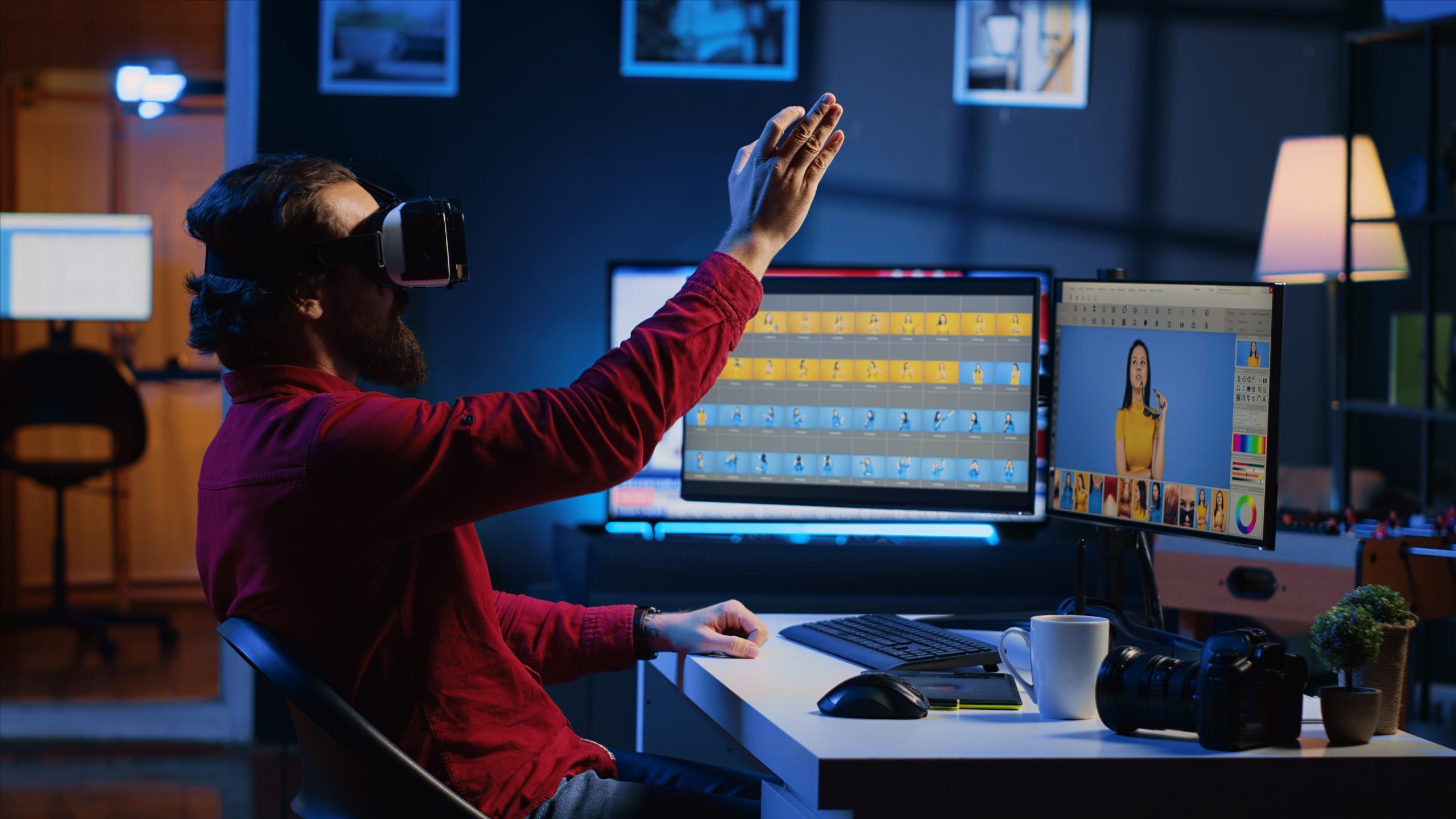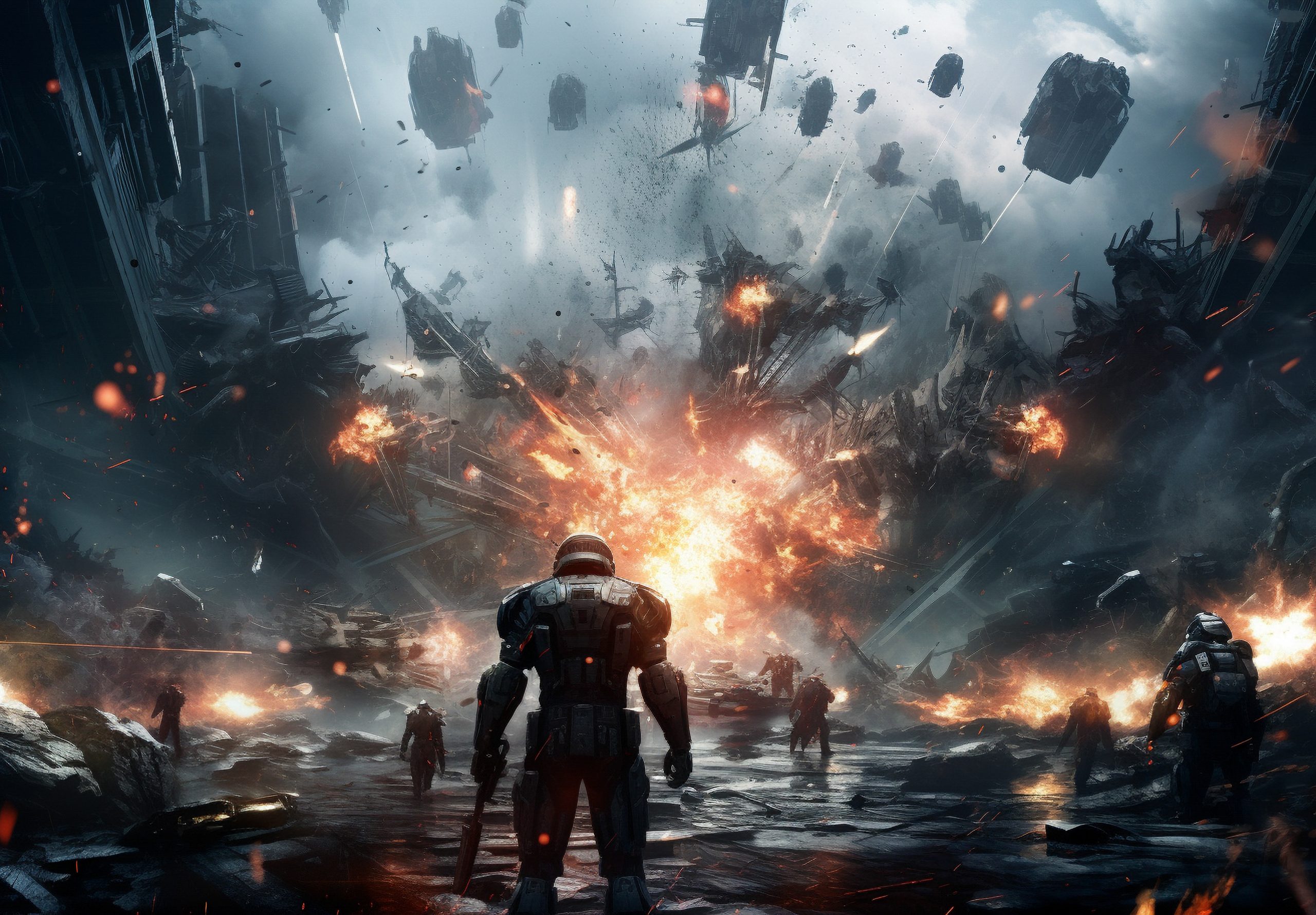


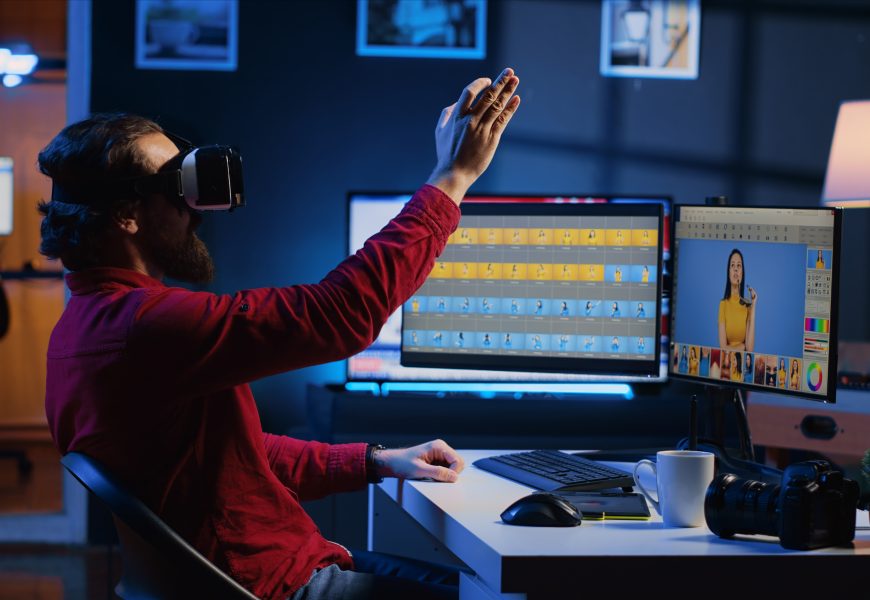
AI for animations has moved from a novelty to a genuine part of how professional motion designers actually work in 2026. What used to take a team days of manual keyframing can now be roughed out in minutes, and that shift is changing what studios expect from the people they hire.
This blog breaks down the current landscape in plain terms, showing where these tools fit into real production pipelines; a detailed look at the ten tools actually worth your time; what features genuinely matter when comparing options; how these compare to traditional software; and what it takes to bring these tools into your own workflow without breaking your budget or your computer.
The Shift to AI Motion Graphics in Professional Workflows
Motion design used to mean hours of manual keyframing, frame-by-frame adjustments, and a lot of patience. That’s changing fast. Studios are now blending traditional tools with AI-driven software to handle the repetitive, time-consuming parts of production, freeing up designers to focus on the creative decisions that actually need a human eye.
The shift isn’t about replacing artists; it’s about changing where their time goes, and it’s exactly why so many studios are now investing seriously in AI for animations as part of their standard toolkit. Adobe’s own 2026 updates to After Effects, for instance, added features like an Auto-Keyframer that predicts natural motion paths based on weight and velocity, cutting down on repetitive manual work considerably.
Real-time AI tools are also reshaping game and animation development timelines, with some studios reporting production speed increases of up to 70% on certain tasks. This is a real, measurable shift, not just marketing language.
The 10 Best AI Animation Software Solutions
Here’s a practical look at ten tools genuinely worth knowing about, based on what they’re actually good at rather than just hype.
- Krikey AI: Widely regarded as one of the strongest tools for 3D character animation, with solid integration options for existing pipelines.
- Runway Gen-4: Known for cinematic video-to-video transformations and flexible text-to-video generation, popular with agencies and content teams.
- Adobe After Effects (AI-enhanced): Brings AI-powered keyframing and an improved Roto Brush directly into the industry-standard compositing tool designers already know.
- DeepMotion: Converts ordinary video footage into usable character animation data, cutting out the need for expensive motion capture suits.
- Cascadeur: Gives animators real rigging control with AI assistance without handing over full creative authority to the software.
- Luma Dream Machine: Can generate full 3D environments from a single photo, useful for game designers building worlds quickly.
- Google Veo 3: Built for story-driven, coherent video sequences from text prompts, useful in pre-production and storyboarding.
- Cavalry: A specialist tool for data-heavy and generative motion graphics, especially strong for animated infographics.
- ImagineArt: Generates motion-design-style video directly from text prompts, aimed at teams without a deep technical background.
- LTX Studio (LTX-2.3): Handles fast concept work, storyboards, and animatics with synchronized audio before handing off to traditional tools for polish.
None of these fully replace a skilled motion designer. What they do is compress the slow, repetitive parts of the job, so more time goes toward the choices that actually shape the final piece.
Essential Features to Evaluate in AI Motion Graphics Software
Not every tool on the market deserves a spot in your workflow, so it helps to know what actually matters before you commit budget or time to one.
- Temporal consistency: Whether characters and environments stay stable across frames instead of flickering or subtly warping.
- Spatial consistency: Especially important for anything involving camera movement through a generated scene, since objects need to stay correctly positioned as the view shifts.
- Pipeline integration: A tool that works as a plugin inside software you already use will usually save more time than a fully separate platform.
- Licensing and export quality: Terms for commercial use, output resolution, and how much manual override the software allows are all worth confirming before relying on any tool for client work.
Together, these factors are usually what separates a genuinely useful AI animation tool from something that looks impressive in a demo but falls apart on a real project.
AI-Powered Tools vs. Traditional Motion Graphics Platforms
Most working designers in 2026 don’t pick one side; they use ai animation tools for exploration and grunt work, then move to traditional software like After Effects or Cinema 4D for the final, polished output a client actually signs off on.
| Factor | AI-Powered Tools | Traditional Platforms |
| Speed | Very fast for first drafts and exploration | Slower, but far more precise |
| Learning curve | Low to moderate | Steep, often takes months |
| Creative control | Limited, based on prompts and presets | Full control over every frame |
| Best for | Concepts, storyboards, B-roll, quick iteration | Final client delivery, precise timing |
| Cost | Often subscription-based, usage-limited | One-time or subscription, unlimited use |
It’s worth being honest about where AI tools actually help and where traditional software still wins.
Step-by-Step Guide: Integrating These Tools into Your Pipeline
Bringing new tools into an existing workflow can go badly if you rush it, so a bit of structure helps.
- Identify your slowest task: Find the most repetitive part of your current process, since that’s usually where AI tools add value fastest.
- Test one tool at a time: Rather than overhauling your entire pipeline at once, so it’s easier to judge what’s actually helping.
- Keep traditional software for polish: Treat AI output as a strong first draft rather than a finished product.
- Train your team gradually: Even simple tools have a learning curve around prompt writing and getting consistent results.
- Review licensing terms: Check this carefully before using AI-generated assets in any commercial or client-facing project.
Done properly, this kind of rollout means AI for animations becomes a genuine time-saver rather than a disruption to work that was already running smoothly.
Licensing, Pricing, and Hardware Requirements for AI Motion Designers
Before committing budget to any tool, it helps to understand what you’re actually signing up for.
- Pricing models vary a lot: Some tools like Runway offer limited free plans with paid tiers starting around $12 a month, while others use credit-based systems that get expensive fast under heavy use.
- Licensing terms differ too: Some platforms are free for commercial use under a certain revenue threshold, while others require a paid tier the moment you’re generating client work.
- Hardware needs depend on the tool: Cloud-based tools need less local power since processing happens remotely, but locally run models still benefit from a strong GPU and plenty of RAM for faster iteration.
It’s worth reading the fine print on any tool before relying on it for paid client work, since licensing terms can change with little notice.
Where AI Fits in a Motion Designer’s Toolkit
AI hasn’t replaced motion design; it’s changed where the time goes. The designers getting the most out of this shift are the ones treating AI as a fast first draft, not a finished product, and still leaning on traditional tools for the precision clients expect in a final deliverable.
If you want to build these skills properly instead of piecing them together from tutorials, AAFT Online’s Diploma in 3D Animation and VFX covers both traditional and AI-assisted animation workflows, giving you the technical foundation to actually use these tools well, not just experiment with them.
Frequently Asked Questions
1. What are the best AI animation tools for professional motion designers?
Among the most popular AI animation solutions available today are Krikey AI, Runway Gen-4, DeepMotion, and Cascadeur, each of which is appropriate for somewhat different stages of a professional pipeline. Depending on whether the project requires motion capture, character work, or fast drafts, most companies end up mixing two or three of these.
2. Can AI motion graphics software fully replace manual tools like After Effects?
No, not just yet. Traditional software still provides the accuracy required for polished, client-ready final product, but AI motion graphics solutions are great for quick drafts and exploration. The majority of professionals rely on After Effects or other products for the final, comprehensive pass after using AI for early-stage work.
3. How does AI for animations accelerate 3D character rigging?
Artificial intelligence (AI) is used by programs like Cascadeur and DeepMotion to automate rigging procedures and predict natural movement, reducing hours of manual adjustment to a much faster process. This frees animators from having to spend the majority of their time on tedious technical setup work, allowing them to concentrate more on perfecting timing and performance.
4. What is markerless AI motion capture?
This method uses computer vision to directly capture human movement from regular video footage, eliminating the need for costly mocap gear or physical tracking markers. Smaller studios and indie filmmakers who previously couldn’t afford specialized mocap devices now have much easier access to motion capture.
5. Which AI animation software is best for beginners?
Since they rely on text prompts rather than demanding extensive technical animation knowledge up front, programs like ImagineArt and Runway are typically simpler to get started with. Before spending time learning more sophisticated, conventional applications, beginners can immediately explore and gain a sense of motion design.
6. Are there free AI animation tools available for commercial projects?
While terms differ greatly amongst platforms, some are free for business use, such as Blender for complete 3D work or specific open-weight models under particular income levels. Before utilizing a tool’s output in paid client work, it is usually advisable to review its specific licensing terms.
7. How do motion designers handle commercial licensing with AI animation software?
Since certain AI animation software demands a paid tier the instant output is used professionally, most experts carefully review licensing terms before beginning any client job. In case license issues arise later during a project audit, many additionally maintain records of which tools produced particular assets.